
Christmas skins
Minecraft Christmas Skin Maker: Santa, Elf, Snowman and More
Add a photo, a pet or one sentence, pick a Christmas look, and Blocksona paints a real 64×64 skin: your face in a Santa suit, your dog with antlers. It works in Java and Bedrock, and your first 3 skins are free.
A selfie or portrait of one person, facing the camera.
Uses 1 creditNew accounts get 3 free credits.
Tips for a better skin
- Face the camera and fill most of the frame.
- Even daylight beats flash and filters.
- Use the notes to fix colors the photo gets wrong.
Your skin shows up here
Until then, meet Santa. Drag to spin.
Christmas skins made here
Every one of these came straight out of the generator with no hand edits. Click one to spin it in 3D and download it for free.
The input photos are AI-generated too, so no real person or pet is shown here.
Five Christmas looks
Each look is an outfit the generator paints onto your character. We only offer a look with the inputs we have tested it on.
Santa
Red suit, off-white trim, black belt with a gold buckle, boots and a Santa hat. Works from a photo, a pet or one sentence. Leave the sentence empty and you get Santa himself, beard included.
Christmas elf
Green tunic, red and white striped legs, and a green hat with a gold bell. Works from a photo or one sentence.
Ugly Christmas sweater
A loud red sweater with a pattern band and a pixel tree, plus jeans. Your own hair stays visible. Works from a photo.
Snowman
Black top hat, red scarf, carrot nose and coal buttons, in pale snow colors. Works from one sentence.
Reindeer
Your dog or cat with painted antlers, a red nose and a collar with a gold bell, keeping its own face and coat. Works from a pet photo.
How to make a Christmas Minecraft skin
- 1
Choose what it starts from
A clear, well-lit photo of a face or a pet works best. The Text tab starts from one sentence instead.
- 2
Pick a look and generate
Choose the outfit and your arm type, then generate. It takes 1 to 2 minutes and uses 1 credit, and a failed generation gives the credit back.
- 3
Wear it in the game
Download the PNG, or the .mcpack on Bedrock, and follow the steps shown under your skin. Java and Bedrock on PC and mobile can import it. Consoles cannot import skin files.
What a Christmas skin can and cannot do
A Minecraft skin is a flat 64×64 picture wrapped around a fixed player model, so everything here is painted on. A Santa hat covers the top of the head but cannot stick out or droop, and antlers are drawn on the head instead of standing up from it.
The face is only 8×8 pixels, so small details get simplified. Results also vary from one generation to the next. If a detail comes out wrong, open the skin in the free skin editor and fix it pixel by pixel without spending another credit.
The outer layer of the skin only gets a copy of the hair or hat, which gives it a little depth. There is no separate coat or jacket layer.
FAQ
Questions people ask
Can I make a Christmas Minecraft skin of myself?
Yes. Upload a clear photo on the Photo tab and pick Santa, elf or sweater. Your face, skin tone and hair stay, and the clothes in the photo are replaced by the outfit.
Can my dog or cat be in a Christmas skin?
Yes. On the Pet tab, pick Santa or reindeer. Your pet stands on two legs with its own face on the head. The reindeer look keeps its coat and adds antlers, a red nose and a bell.
How much does a Christmas skin cost?
One generation uses 1 credit. New accounts start with 3 free credits, and packs start at $4.99 for 20. If a generation fails, the credit comes back on its own.
Are there free Christmas skins I can download?
Yes. The samples on this page are free to download: click one, then use the download button. You can also change them in the free skin editor.
Do these skins work in Java and Bedrock?
Yes. They are standard 64×64 skins for Java Edition and for Bedrock on Windows, iPhone, iPad and Android. Consoles cannot import custom skin files.
Why does the Santa hat not stick out?
A skin cannot add new shapes to the player model. The hat is painted around the head, so it looks flat from the side. That applies to every Minecraft skin, not only ours.
Can I give a Christmas skin as a present?
You can give gift credits: a one-time code your kid redeems on their own account to make their own skins. It is not a Minecraft gift card and cannot be spent in Minecraft.
Will this page still work after Christmas?
Yes. The looks stay available all year, so you can make a skin whenever you like.
Is this an official Minecraft product?
No. Blocksona is not affiliated with or approved by Mojang or Microsoft.
Guides
Read next
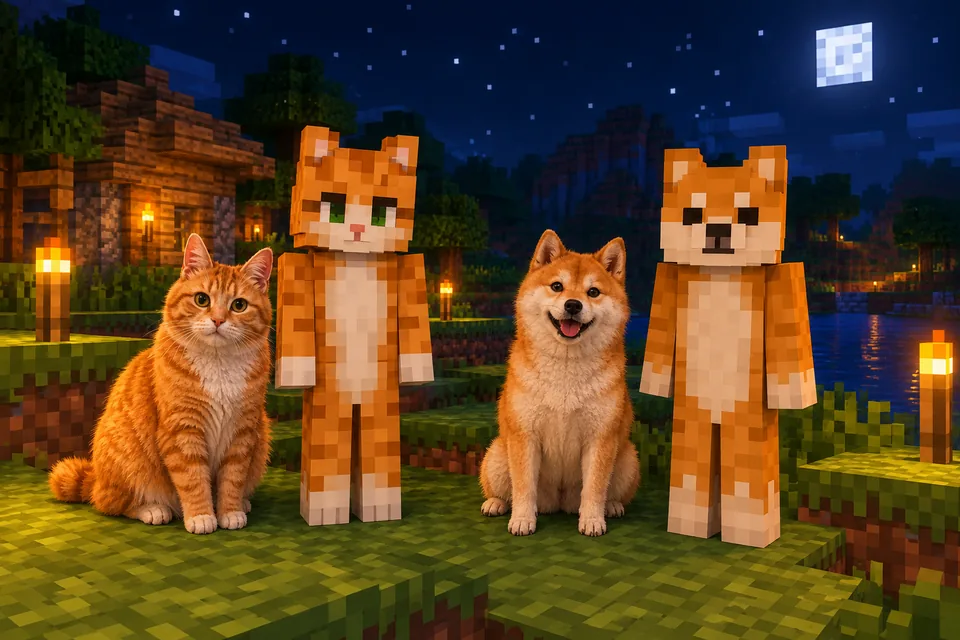 How to make a Minecraft skin of your pet (dog, cat, bird and more)Turn your dog, cat or parrot into a Minecraft skin you can wear. Photo tips, Pet mode steps, real examples, coat and breed tips, and a matching owner skin.
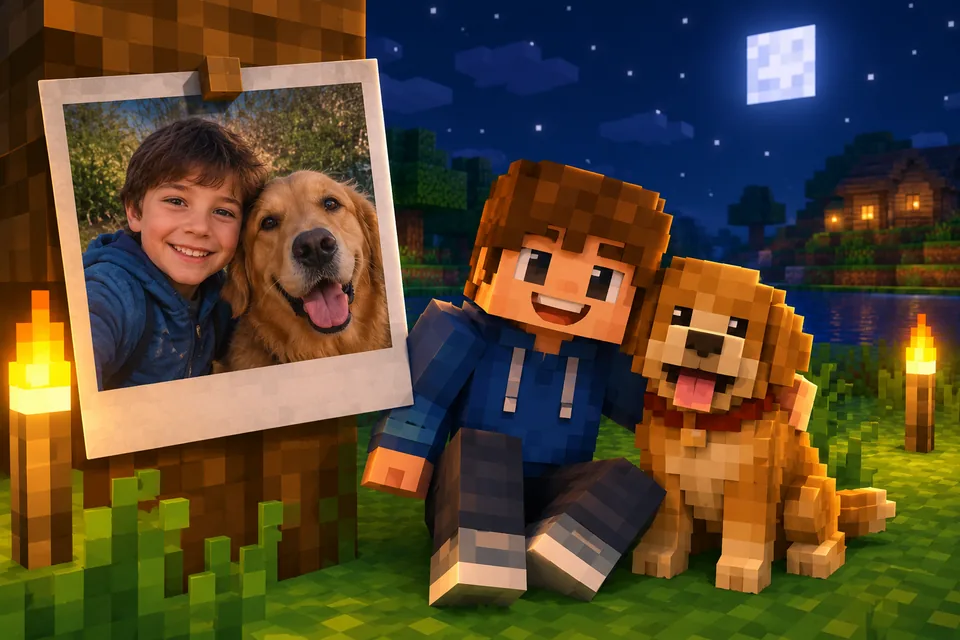 Best photo for an AI Minecraft skin: 5 rules with examplesA Minecraft face is 8×8 pixels, so the photo matters. Five rules, real before and after examples, tips for pets, drawings and Roblox, and a quick checklist.
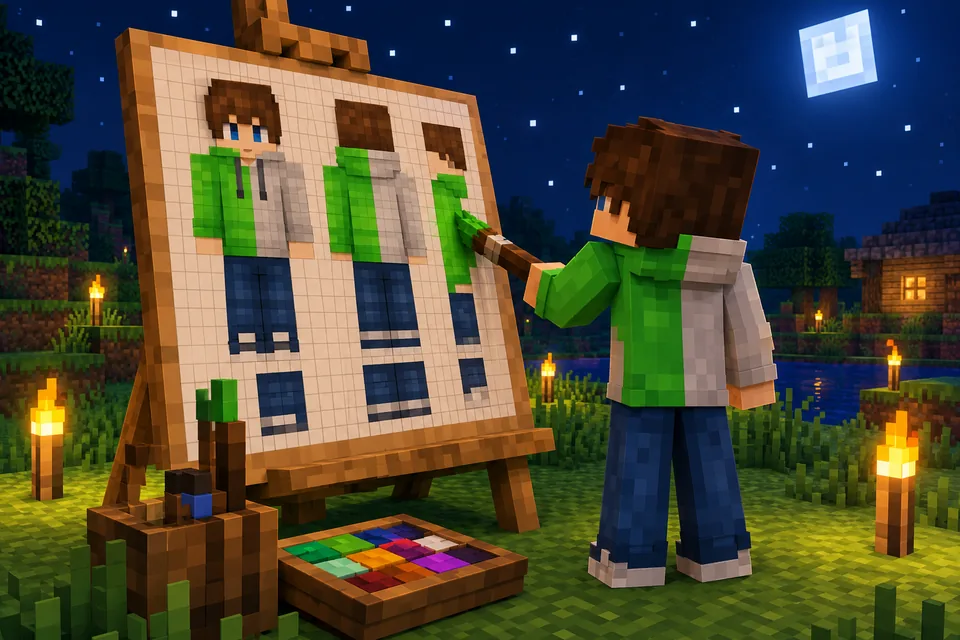 How to use a Minecraft skin editor: edit any skin pixel by pixelA step-by-step tutorial for the free Blocksona skin editor: open a skin, read the 64×64 map, use every tool and shortcut, shade it, and wear it in game.
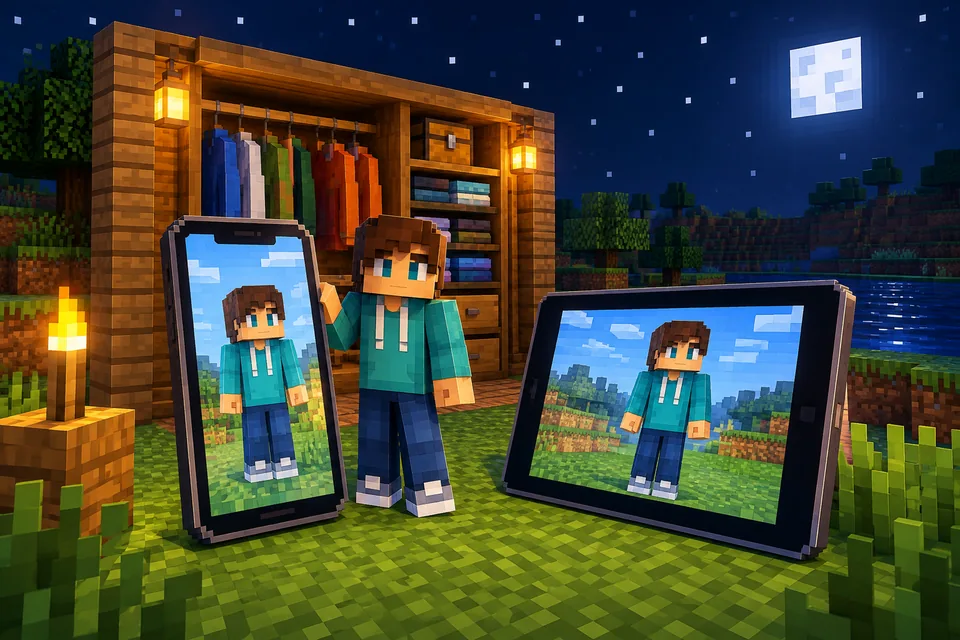 How to import a custom skin in Minecraft Bedrock (Windows, iPhone, Android)Import a custom skin in Minecraft Bedrock with a one-tap .mcpack or a PNG in the Dressing Room. Steps for Windows, iPhone, iPad and Android, plus consoles.
Further reading
Outside sources, for the details behind this page.
- Minecraft Wiki: SkinThe 64×64 texture map, and why a skin cannot change the shape of the player.
By the Blocksona teamUpdated